14 DOF / 28 states
Follow the whole vehicle.
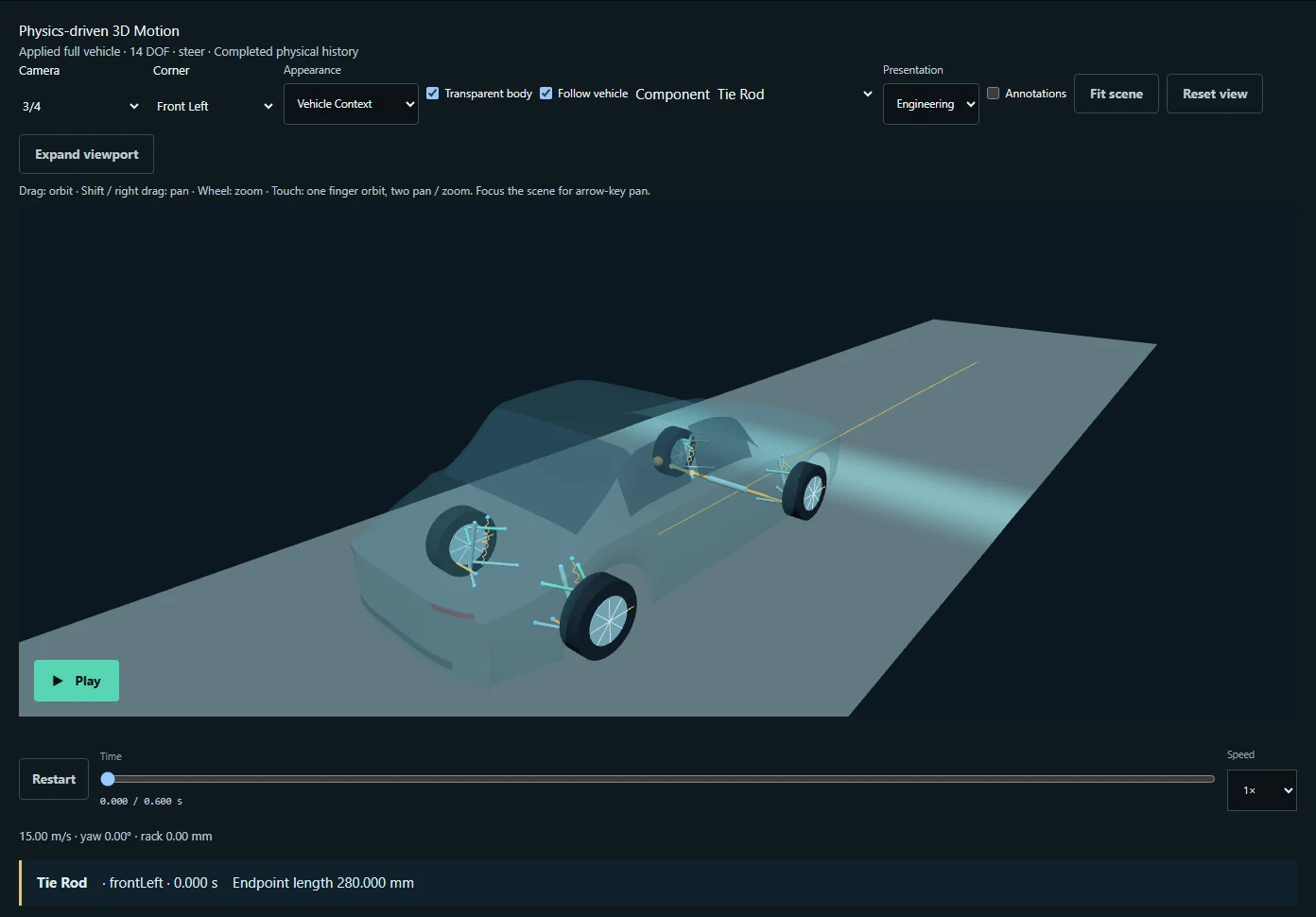
Run the prepared vehicle with moving-rack steering, suspension and tire forces. Inspect physical motion and qualified smooth-road contact.
Explore the workflow →VehicleLab 2.1.1 / Browser-native engineering
From suspension and tire studies to coupled full-vehicle dynamics. Configure a vehicle, run real physics, and connect every motion to engineering evidence.
01 / Engineering range
Each workflow has a defined physical scope. Add complexity when the engineering question calls for it.
14 DOF / 28 states
Run the prepared vehicle with moving-rack steering, suspension and tire forces. Inspect physical motion and qualified smooth-road contact.
Explore the workflow →2 / 4 / 7 DOF
Study body and wheel motion, pitch and roll. Compare Quarter/Half-Car designs or drive a Full-Car Ride model over prescribed road inputs.
Explore the workflow →Geometry & tires
Inspect Double-Wishbone and qualified MacPherson geometry, steering, and longitudinal, lateral and combined-slip tire studies.
Explore the workflow →Inspect the physical mechanism
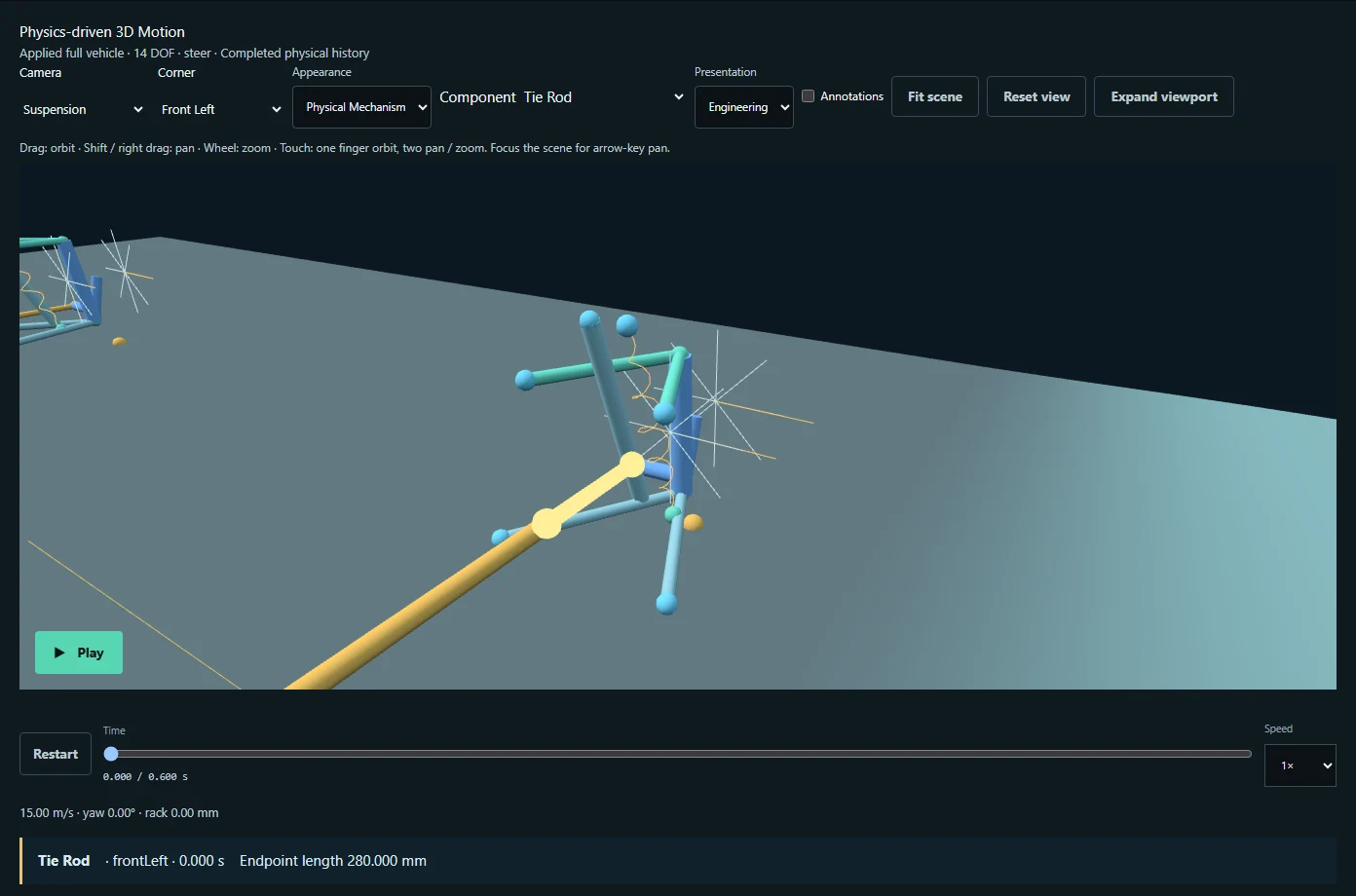
Configure the assembly and select a procedural surface or supported OpenCRG file. Shared Road identity follows compatible models.
Choose prescribed Ride traversal or a prepared coupled-vehicle maneuver. Run explicitly; inspect model-specific limits before interpreting results.
Explore synchronized physical views, response plots and traceable data. Engineering reports and video are available in their supported workflows.
Independent numerical references, convergence checks, source identities and completed-result provenance connect the implementation to its stated equations. Native and TypeScript implementations retain explicit identities.
Numerical verification is not measured-vehicle correlation or safety certification. The 14-DOF Road model uses point contact within a smooth, continuously loaded envelope. It rejects many rough OpenCRG files that prescribed 7-DOF Ride can use.
Read the model and contact limits →Run without installing a solver or creating an account. Models and simulation work stay in your browser; explicit exports keep engineering data portable.
Built for engineering conversations
Explore available workflows today. Bring a specific engineering question to a future pilot discussion. Premium offerings and pricing are not currently available.
Discuss a pilot →Continue to Varad Karkhanis’s public website for contact.
From question to evidence
Open an example. Review its assumptions. Run and inspect the result.